Repository navigation
面试题:使用 CSS 画一个三角形 #123
Description
<!DOCTYPE html>
<html lang="en">
<head>
    <meta charset="UTF-8">
    <meta name="viewport" content="width=device-width, initial-scale=1.0">
    <title>画三角形</title>
    <style>
        .triggle{
            width: 0px;
            height: 0px;
            border-width: 100px;
            border-style: dotted dotted solid dotted;
            border-color: transparent transparent red transparent;
        }
    </style>
</head>
<body>
    <div class="triggle"></div>
</body>
</html>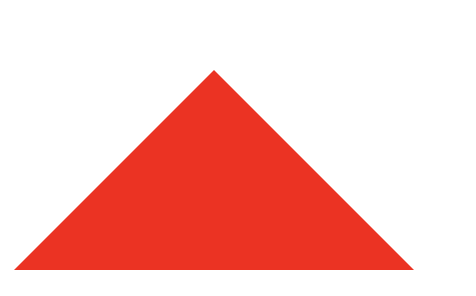
Activity
latte03 commentedon Nov 2, 2020
通过border模拟实现
当div 的宽高为0,存在边框的时候,四条边框的中心将会是一个点,通过设置其他三条边框的透明度,实现三角形。
U-LAN commentedon Nov 2, 2020
显示不出来需要再加一个属性: border-style:solid;
latte03 commentedon Nov 2, 2020
啊 漏了..补上
ryadav96 commentedon Feb 13, 2021
Using clip-path property
.triangle {
width:200px;
height: 200px;
background-color: #119933;
clip-path: polygon(50% 0, 50% 0, 100% 100%, 0 100%);
}